
1. Secure Exam Browser
2. Exam.net (Exam Key)- Visit https://safeexambrowser.org/download_en.html
- Click on the blue download button for your computer (Mac or Windows)
- For Windows follow the steps to install
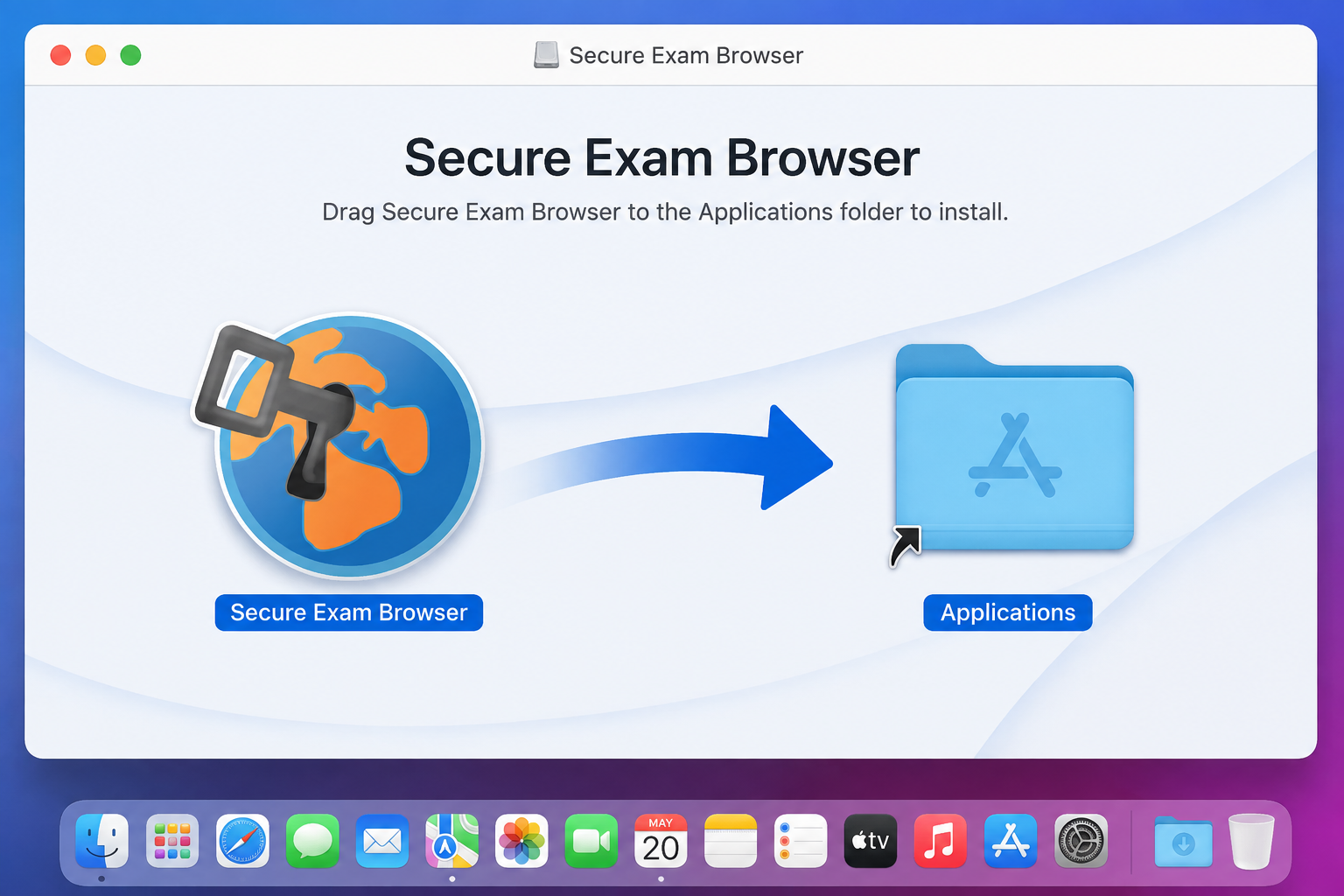
- For Mac drag the app to your Applications folder
- Visit exam.net
- Enter the code given to you by exam supervisior in the Student Exam Key box

- Open the download and it will automaticlly open Secure Exam Browser
- You can test this out with yR2HaL as the Student Exam Key
Exam